
Are you choosing a trail camera and hesitating between Wi-Fi and GSM versions? The main difference is in the method of image transfer. This determines how often you'll need to go to the field and how quickly you'll get access to the footage. In this article, we'll explain the difference between them, their advantages and disadvantages, and when to choose which one.
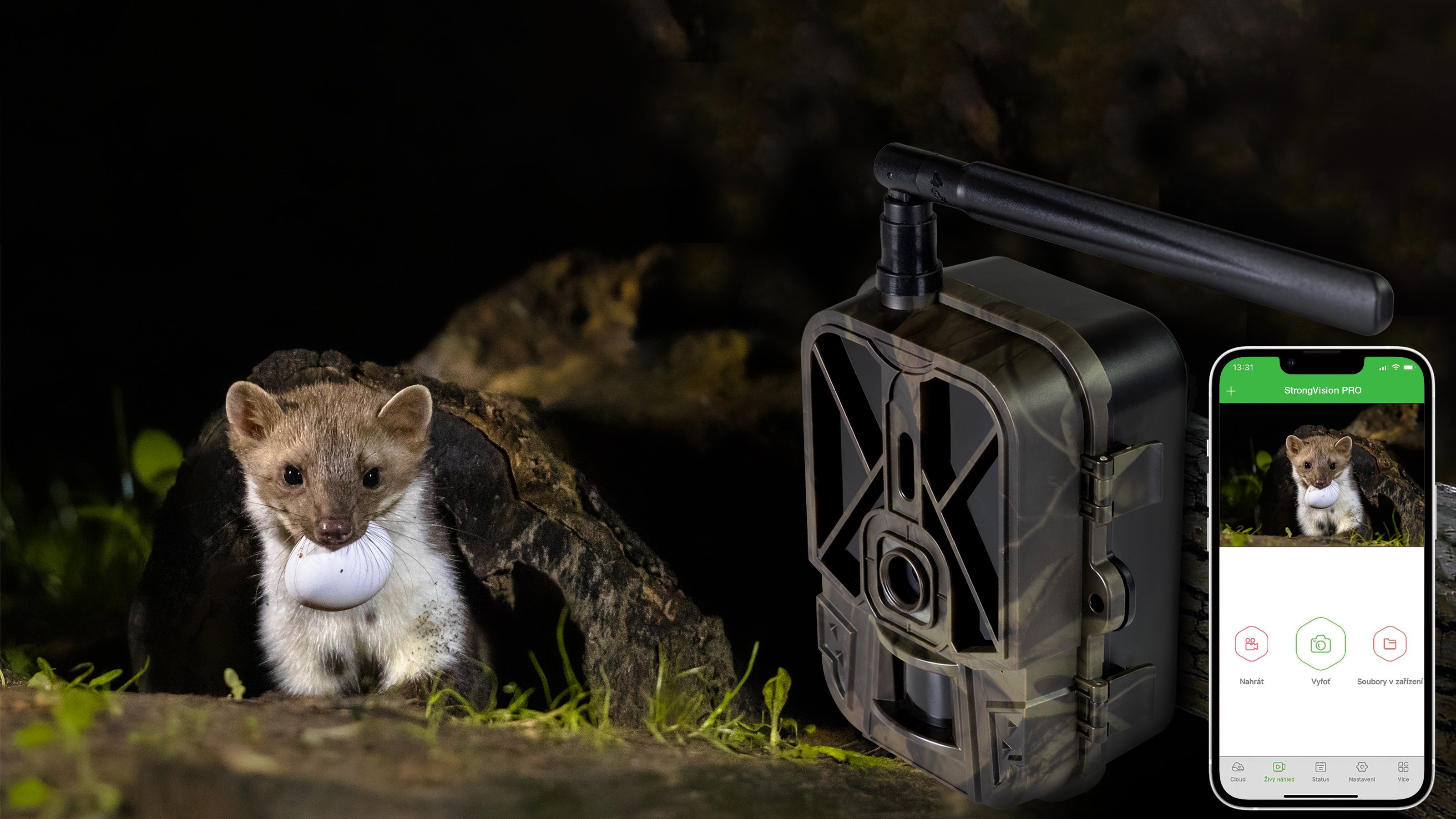
How do Wi-Fi and GSM trail cameras work? Here are the basic differences
Both trail cameras capture images and videos based on movement, but they differ fundamentally in how you access these recordings.
Wi-Fi trail camera: Local connection without SIM card
Wi-Fi trail camera creates its own Wi-Fi network that you connect to via phone or tablet when you're directly near the device. You don't need mobile signal or data SIM card.
Advantages:
- No SIM card or plan needed.
- Download photos and videos easily to your phone via app.
- Quick setup and direct on-site control.
- Lower operating costs.
Disadvantages:
- You must be physically near the trail camera (Wi-Fi range is about 15 to 25 meters).
- Not suitable for remote locations you don't want to visit often.
- Cannot receive images in real-time remotely.
GSM trail camera: Remote transfer via mobile network
GSM trail camera has a SIM card slot and sends you images (or notifications) to email or mobile. It works via mobile network just like a regular phone.
Advantages:
- You see what's happening in real-time, even when you're kilometers away.
- Suitable for long-term monitoring without physical presence required.
- Good for property monitoring, remote locations, or wildlife.
- Motion notification capability.
Disadvantages:
- Higher purchase price and SIM card costs (data plan).
- Dependent on mobile signal availability. This can be helped by an external GSM antenna to improve signal.
When is Wi-Fi trail camera suitable and when GSM trail camera?
When choosing a trail camera, first think about where you'll use it, how often you want to check images, and how much time you want to spend in the field. This will determine which technology is more advantageous for you.
When to choose Wi-Fi trail camera
Wi-Fi trail camera is ideal if:
- You have the trail camera in an accessible location, such as in your garden, at a feeder near your cabin, or on property you visit regularly.
- You want to download photos directly to your phone without having to remove the SD card.
- You don't want to deal with SIM cards or mobile plans.
When to choose GSM trail camera
Trail camera with GSM module is suitable if:
- You're monitoring remote locations you can't access often – forest areas, distant meadows, cabins, or unattended objects.
- You want to know immediately what's happening. Photos come to you via email or cloud.
- You prefer remote surveillance and security applications.
Cost comparison: Wi-Fi vs. GSM trail cameras
When selecting a trail camera, total cost plays an important role – not just the purchase price, but also operating costs. Let's see what you need to consider.
Purchase price
- Wi-Fi trail cameras:
Usually cheaper, starting around 2,000–3,500 CZK. They're ideal for regular wildlife or property monitoring.
- GSM trail cameras:
Prices start around 3,500 CZK. Higher quality models cost 5,000 CZK and more. You're paying for technology that enables remote image sending.
Operating costs
- Wi-Fi trail cameras:
None. You don't need a data plan or SIM card. Costs are only for batteries or potential external power.
- GSM trail cameras:
You need a SIM card with activated data package (usually prepaid SIM is sufficient). Monthly data consumption typically fits within 50–100 MB – corresponding to approximately 30–100 CZK/month, depending on the operator.
Tip: If using the trail camera long-term, consider a prepaid data package or advantageous SIM with limited data volume just for the trail camera.
Which trail camera to choose?
The decision between Wi-Fi or GSM trail camera should be based mainly on where and how you'll use the device.
Do you want immediate overview of what's happening at a remote location and minimize field trips?
- Choose a trail camera with GSM module – it sends images directly to your phone or email.
Are you installing the trail camera on property you visit regularly? Don't want to deal with SIM cards or signal?
- Choose a Wi-Fi trail camera – connect to it directly via mobile when you're on-site.
Both types have their advantages and disadvantages. If you're still unsure, check out specific models on our EVOLVEO e-shop where you'll find detailed specifications.
What else interests you
Do trail cameras exist without Wi-Fi and GSM?
Yes, basic trail cameras without GSM and Wi-Fi work without connection. All footage is saved to the memory SD card inside the device. To view the images, you need to physically remove and insert the card into a reader (e.g., in a phone, tablet, or computer).
How do I know the trail camera is working properly?
You can verify proper trail camera function in several simple ways:
- Run test mode or preview on the display (if the trail camera has one).
- Walk in front of the lens – the trail camera should react and save an image.
- Check if the image is properly saved on the SD card or in the mobile app.
- For models with GSM or Wi-Fi, try sending a test photo.
If the trail camera doesn't respond, check battery status, proper memory card insertion, and motion sensor settings.
Does the trail camera work in winter?
Yes, quality trail cameras work fine in winter. However, it's important to choose the right batteries that handle low temperatures. In winter, check the trail camera more frequently, as low temperatures can affect battery life and memory card functionality.


